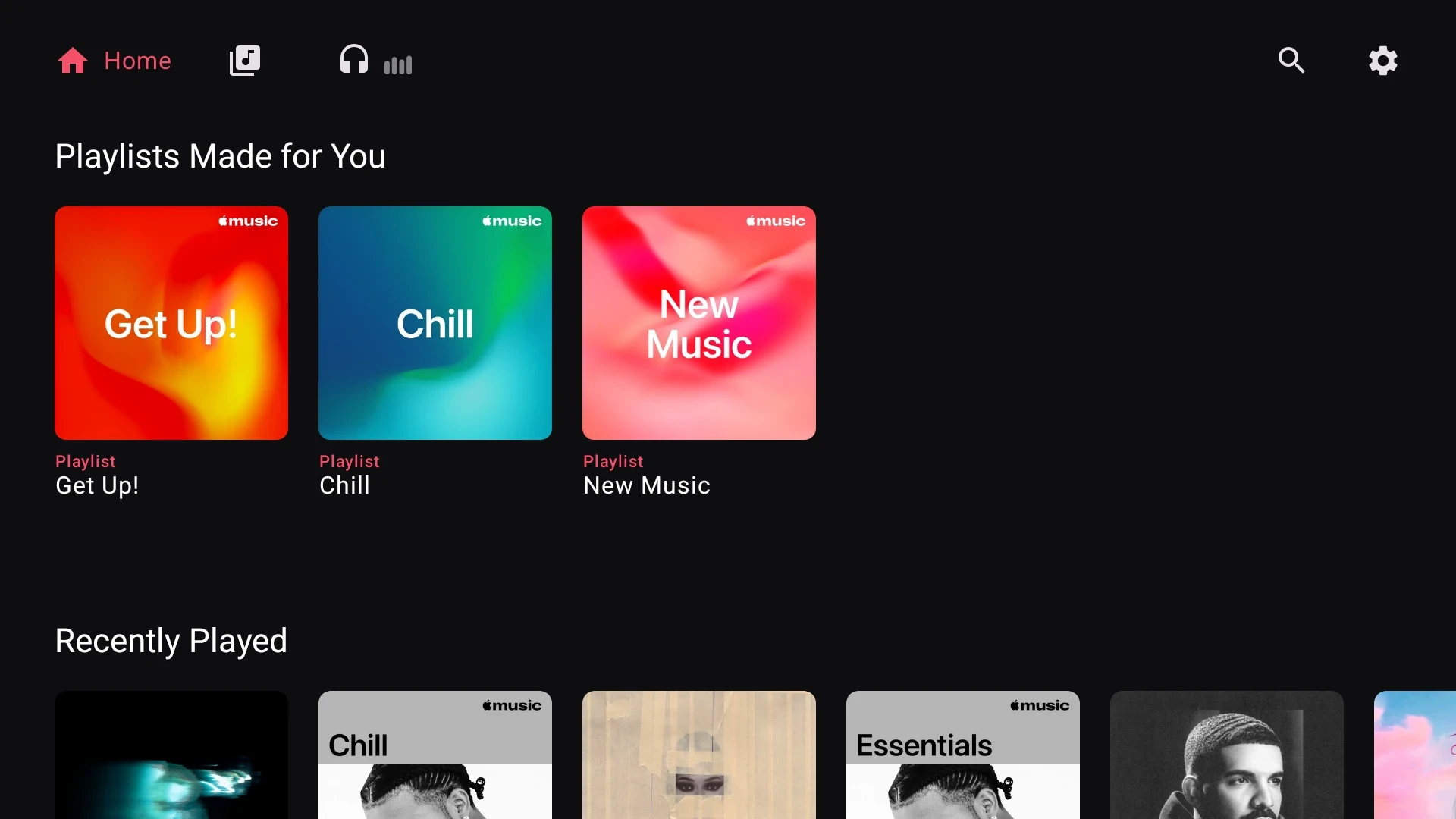
For you
Your recommendations, ready when you open the app.
 Radon Tunes
Sign in with a QR code, browse your library with the remote, and sing along with synced lyrics — all from your couch.

Free to try · One-time unlock · Requires an Apple Music subscription
Browse recommendations, find an artist and open an album — all with your remote.
Your recommendations, ready when you open the app.
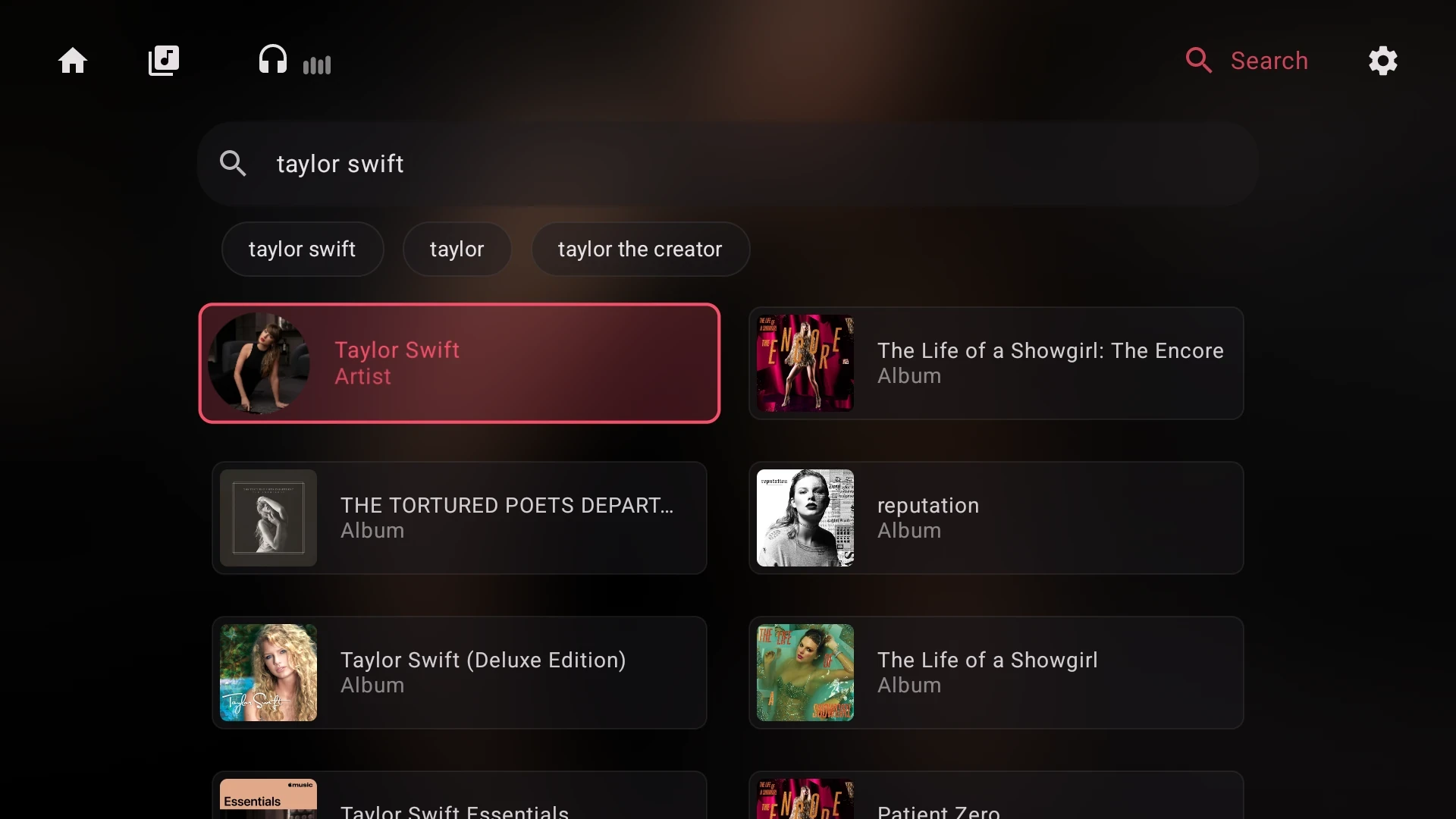
Find artists and albums with suggestions as you type.
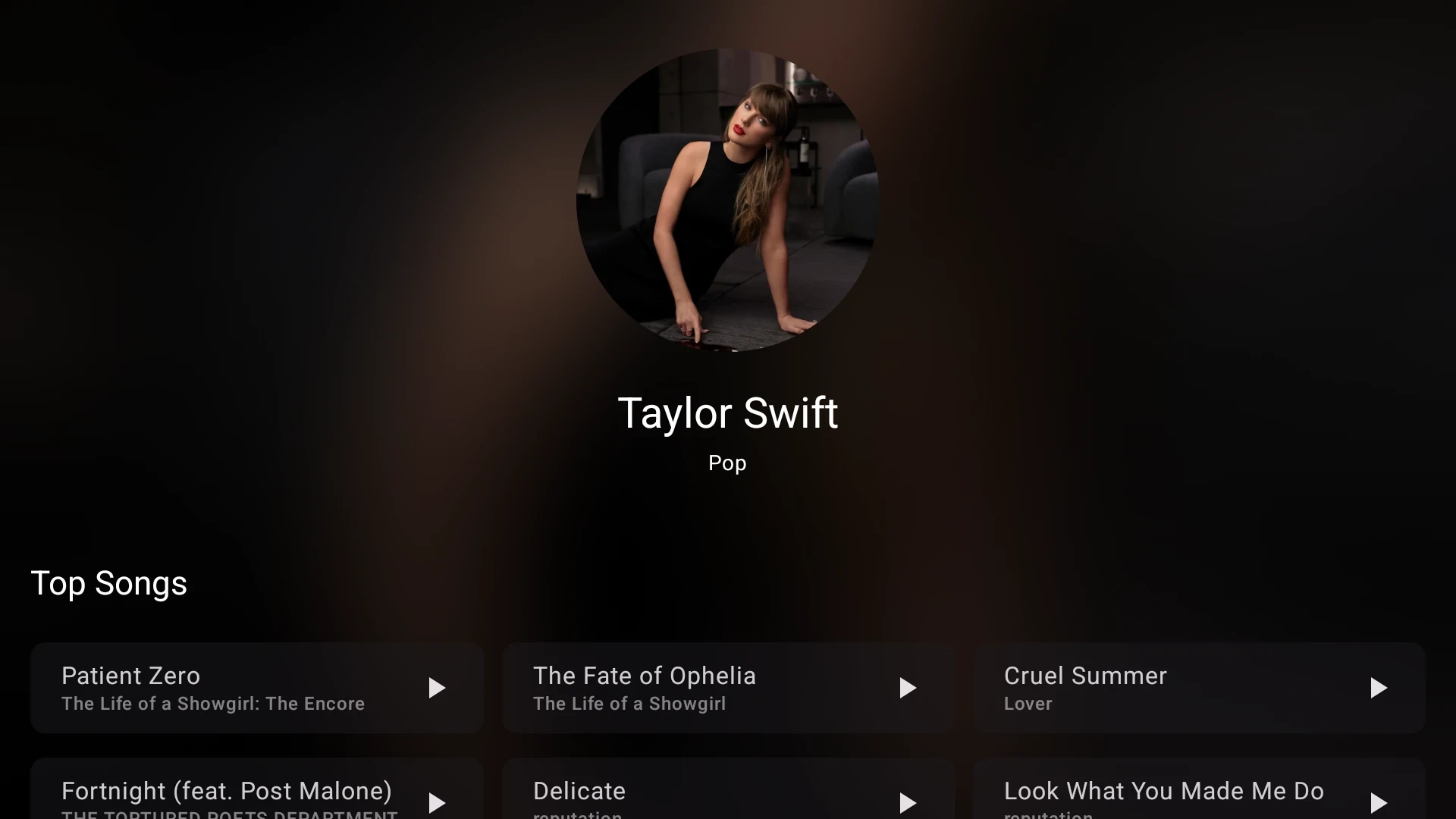
Explore an artist’s top songs and featured albums.
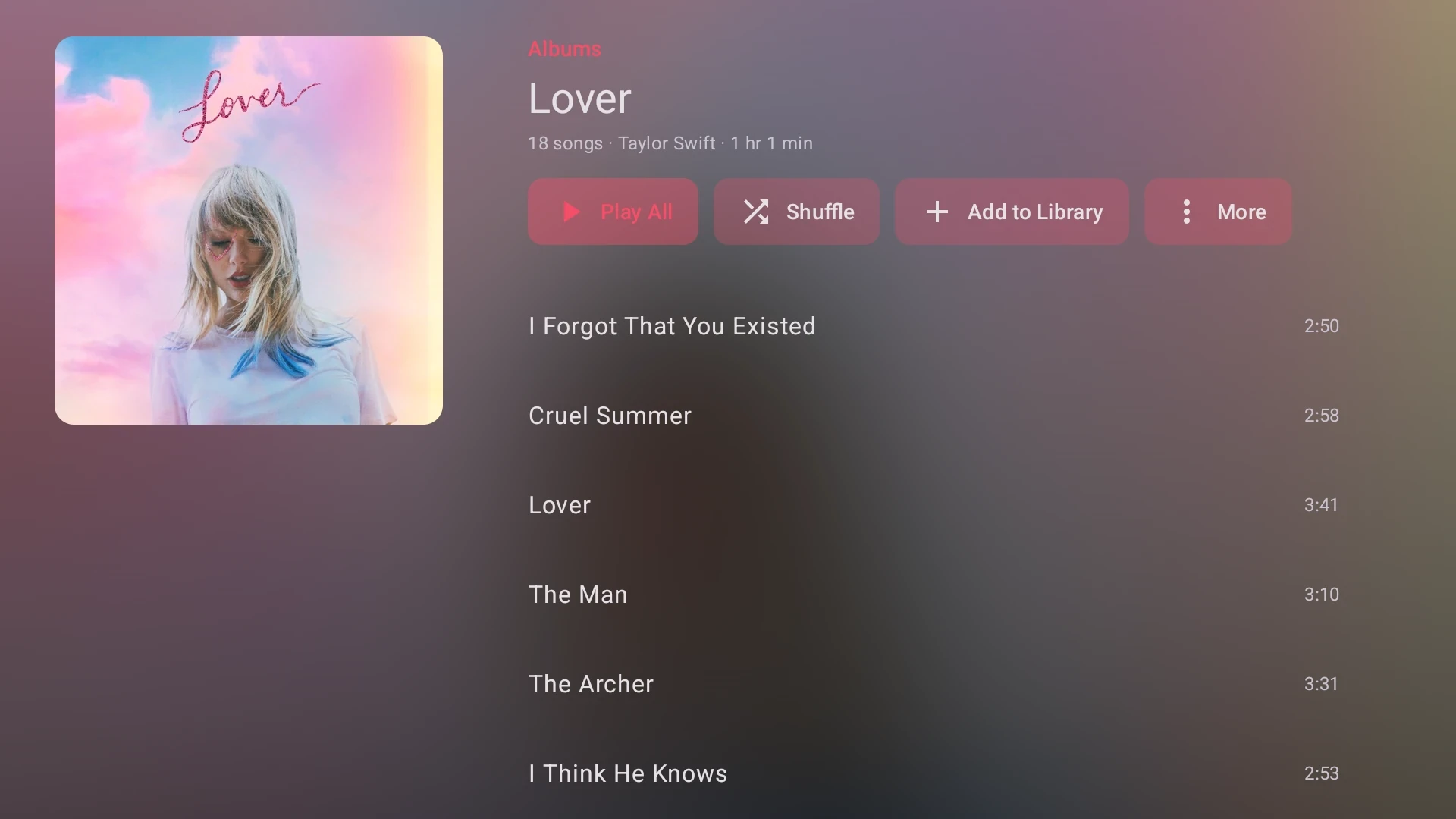
See the track list and choose what to play next.
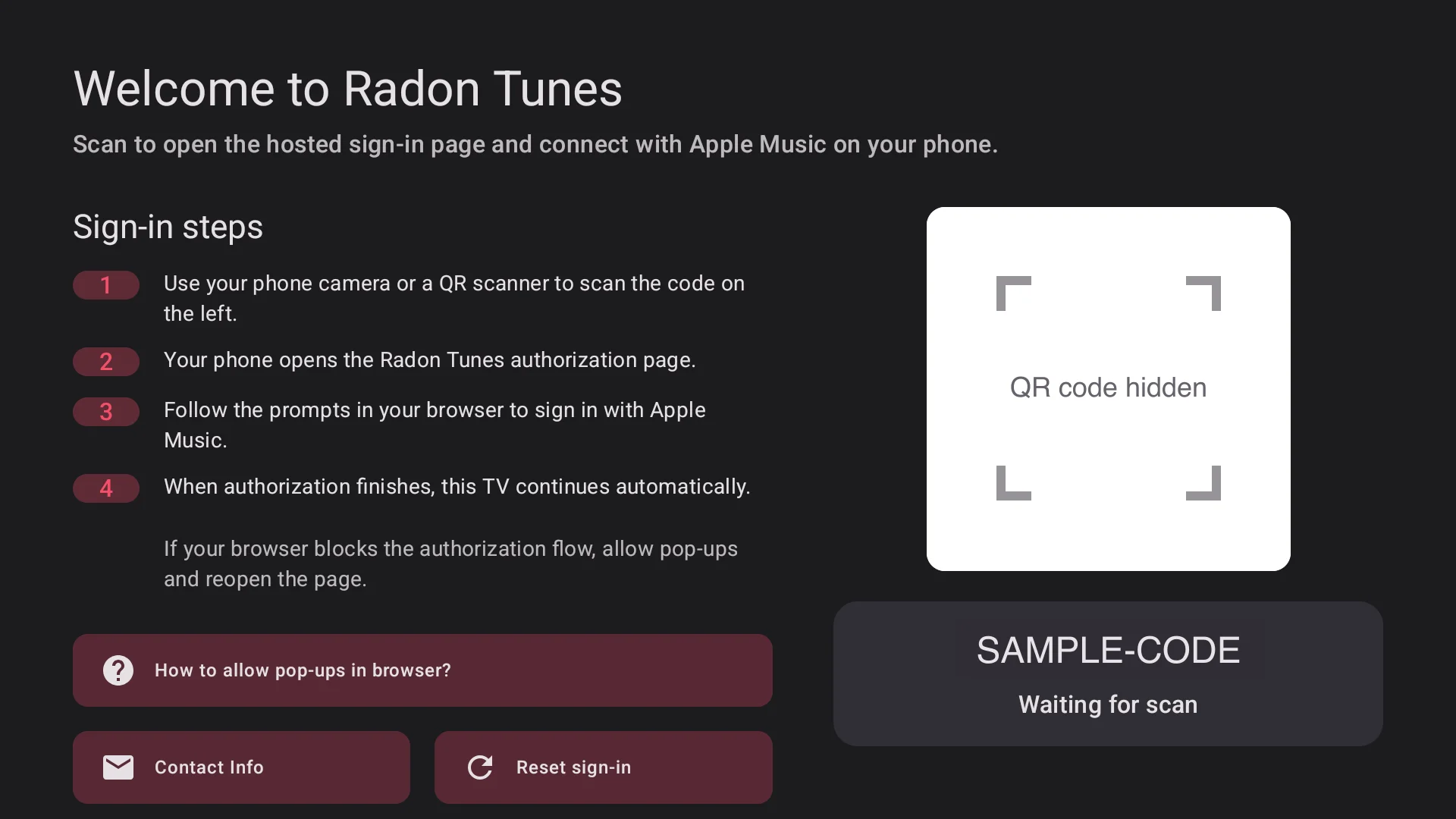
No typing passwords with a remote. Scan a QR code with your phone and you're in.
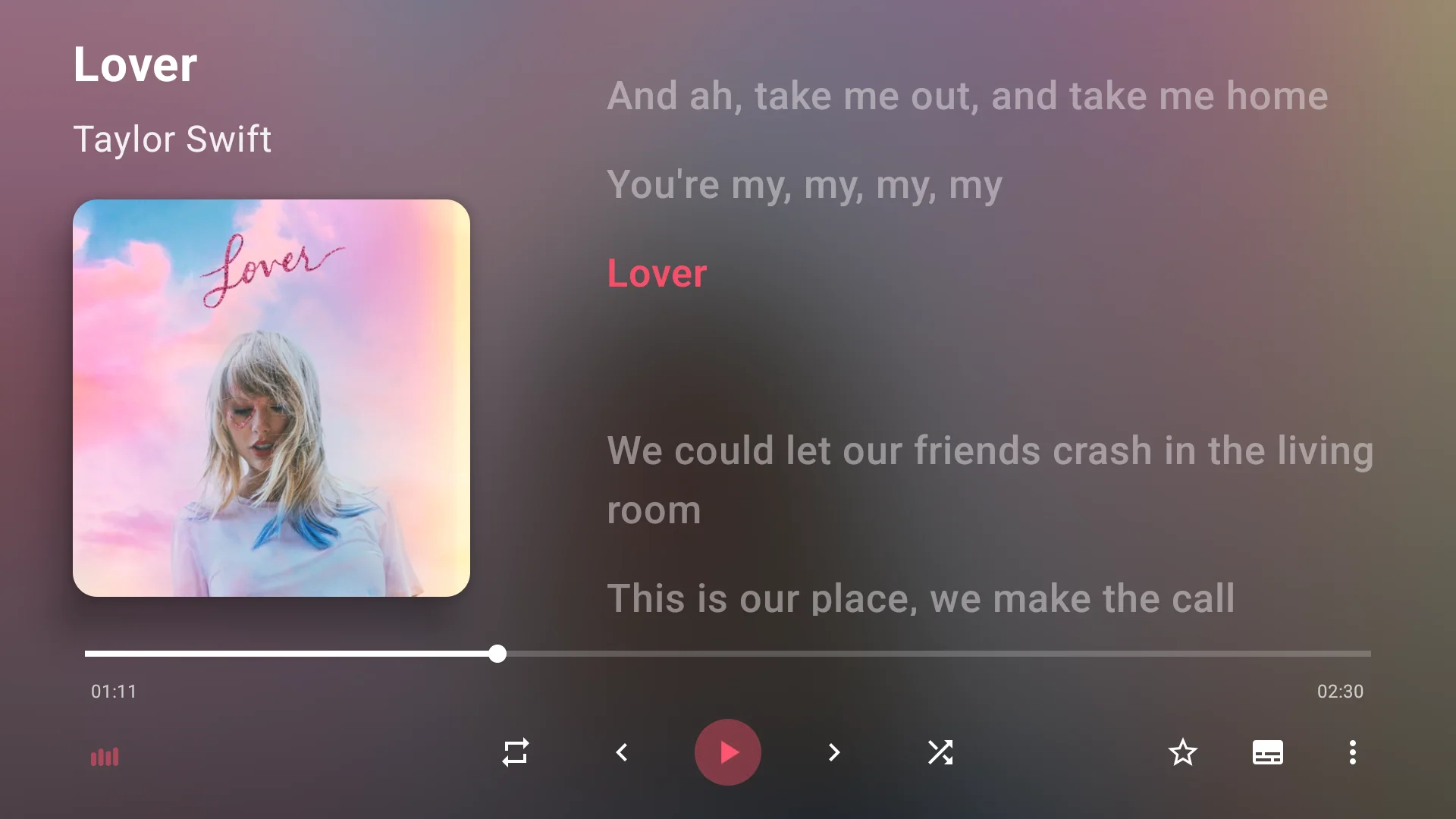
Time-synced lyrics scroll with the song, readable from across the room — where available.
Playlists, albums, artists and favorites from your Apple Music library, ready to play.
Find songs, albums and artists with suggestions as you go.
Every screen is built around the D-pad, with clear focus states and big targets.
Available on Google Play and the Amazon Appstore.
Get it from Google Play on Android TV, or the Amazon Appstore on Fire TV.
Open the app and scan the QR code with your phone, or enter the pairing code.
Your Apple Music recommendations and library appear on the TV.
No subscription to Radon Tunes. A one-time purchase removes playback limits for good.
Explore everything before you buy.
Price shown in your app store.
Radon Tunes is a third-party app and is not affiliated with Apple. An active Apple Music subscription is required for playback and is billed separately by Apple.
No. Radon Tunes is an independent, third-party app and is not affiliated with or endorsed by Apple. You sign in with your own Apple Music account, and playback uses Apple's official Android SDK.
Yes. Radon Tunes plays music from your Apple Music account, so an active subscription is required. The Radon Tunes unlock is a separate one-time purchase and does not include Apple Music.
Android TV and Google TV devices via Google Play, and Amazon Fire TV devices via the Amazon Appstore.
Open Settings in the app and choose the purchase page, then select Restore purchase. Use the same Google or Amazon account you bought with.
Free to download on Android TV and Fire TV.